 分享网
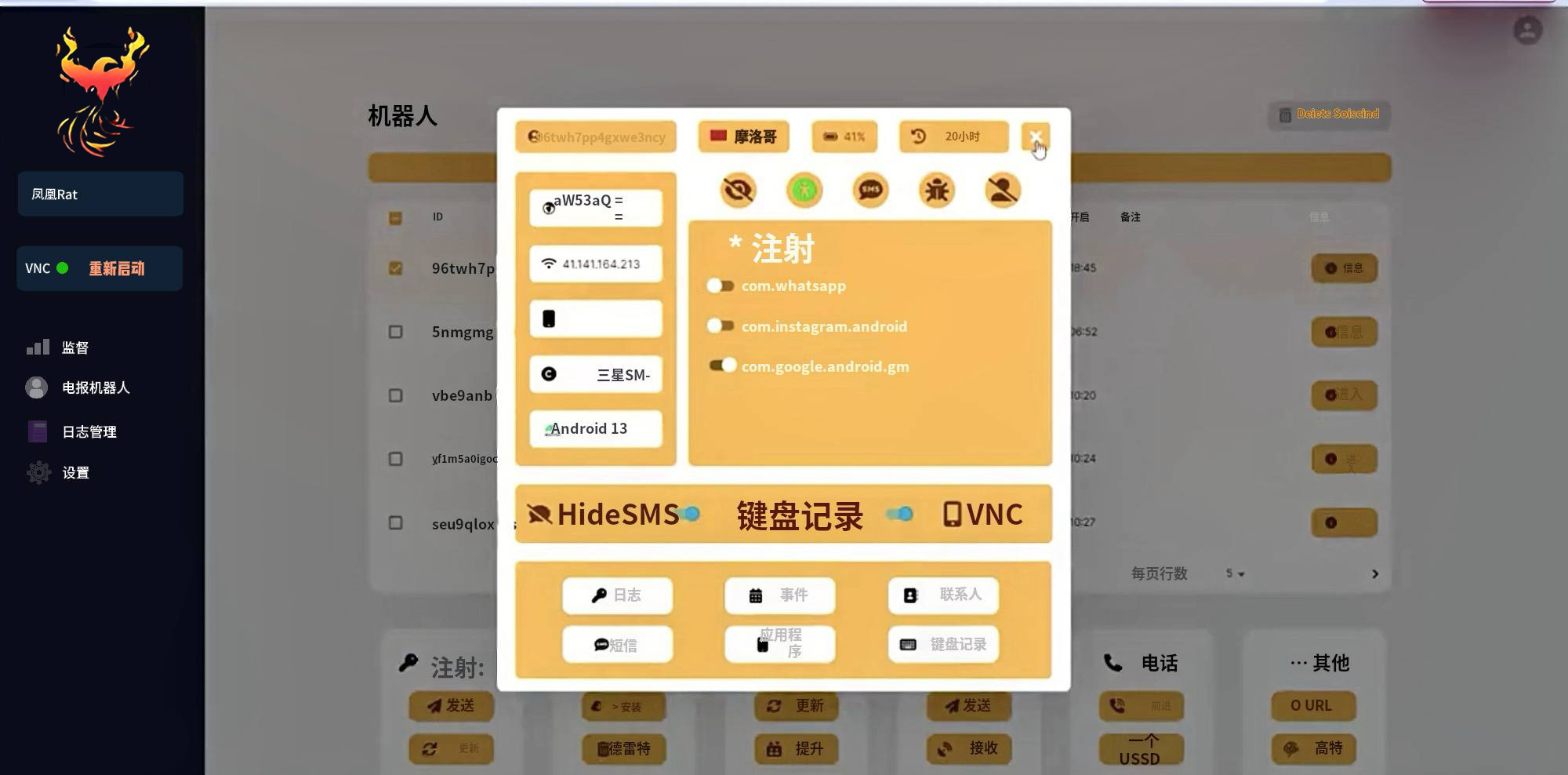
分享网 凤凰安卓远控网页版/控端源码/包含Apk源码/服务器端Nodejs/安卓木马源码最新
看着支持安卓Android13+
交换的源码,我们89YE也是首发,教程有,自己研究!
安卓包含了源码,可以自己打包,服务器端是Nodejs
想研究的看下贴出来的部分教程!看看自己会不会弄在下!
Step 1: Prepare the Server
Update and Install Utilities:
bash
Copy code
apt update && apt install dos2unix -y
Prepare Installation Script:
bash
Copy code
dos2unix install.sh && chmod 777 install.sh && bash install.sh
Enter the VPS IP when prompted: yourvpsip
Enter the Root Password when prompted: root
Step 2: Install Frontend Components
Install Node.js:
bash
Copy code
bash node.sh
export NVM_DIR=”$HOME/.nvm”
[ -s “$NVM_DIR/nvm.sh” ] && \. “$NVM_DIR/nvm.sh”
[ -s “$NVM_DIR/bash_completion” ] && \. “$NVM_DIR/bash_completion”
nvm install v19.9.0
nvm use v19.9.0
Build Frontend Application:
bash
Copy code
cd /var/data/www
npm install && npm run build
npm start # Check if the application starts correctly
Step 3: Start Daemon Services
Panel Service: